Change settings in the App
In the CycleMasters app, you can adjust the settings of the app and the settings per profile. Tap the menu icon (☰) at the top right to open Settings.
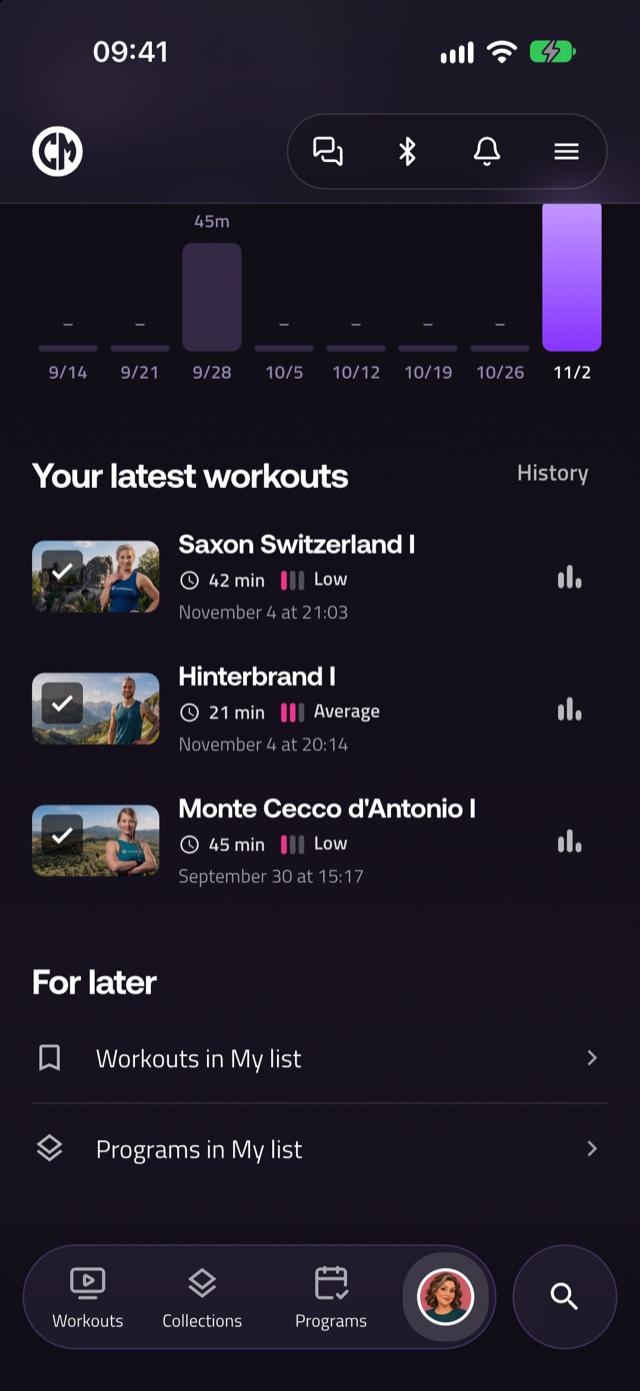
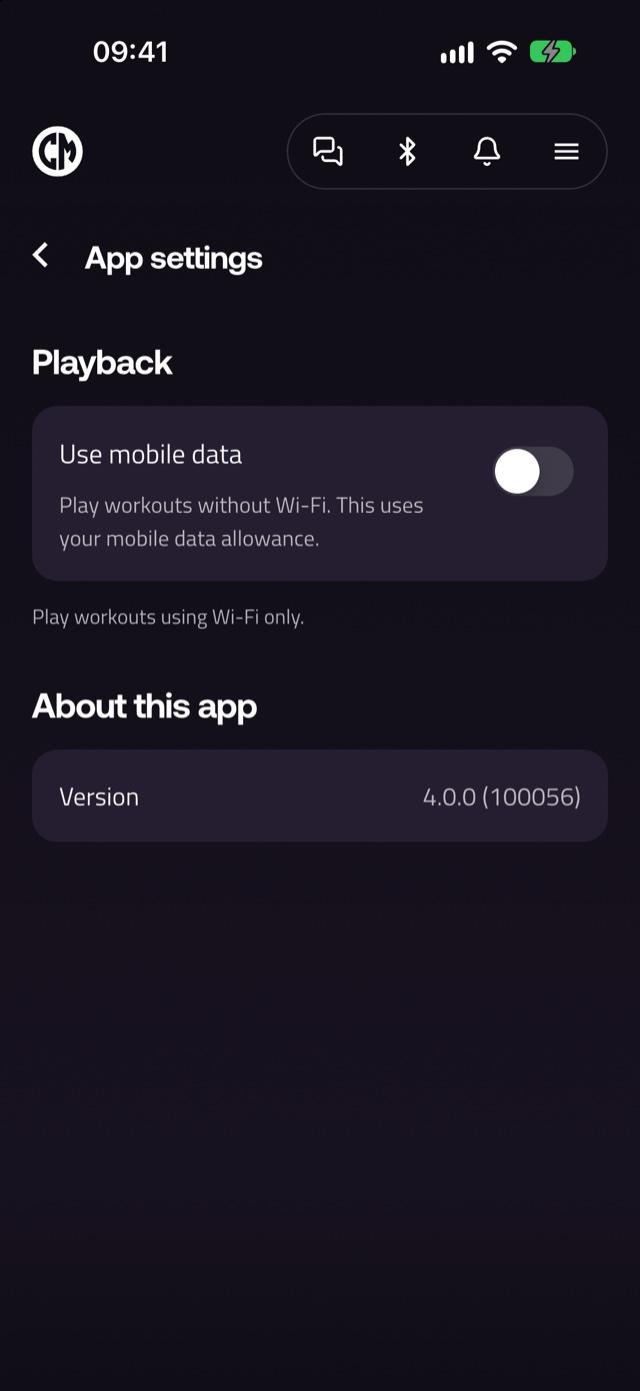
To adjust the app settings, go to Settings > App settings. Here you can adjust the following:
- Use mobile data under Playback. This is switched off by default. You can choose here whether you want to play workouts without wifi, which uses your mobile data allowance.
To adjust the settings per profile, choose the profile at the top of Settings and then Edit profiles, and select the relevant profile. Here you can adjust the following:
- The name of the profile
- The avatar of the profile
- Primary language: this is the language of the app
- Languages to display: select here which video languages you want to display in the app.
- Notifications for the profile
In Settings you will also find External connections (Apple Health, Health Connect and Strava), Sign in on TV and your Membership.
To update your sign-in details, such as your email address or password, go to Settings > Sign-in and security.