How can I view CycleMasters on my TV?
You can watch CycleMasters on your TV in two ways: with the CycleMasters app on your TV, or by streaming workouts from your phone or tablet.
The CycleMasters app on your TV
The CycleMasters app runs on TVs with Android TV or Google TV, including the Google TV Streamer. Install it from the Google Play Store on your TV, open it and sign in with the code on your TV: scan the QR code with your phone, or enter the code in the CycleMasters app on your phone. With a personal membership you can also connect a bike and a heart rate monitor on the TV. Read the article Using the CycleMasters app on your Android TV or Google TV for the steps.
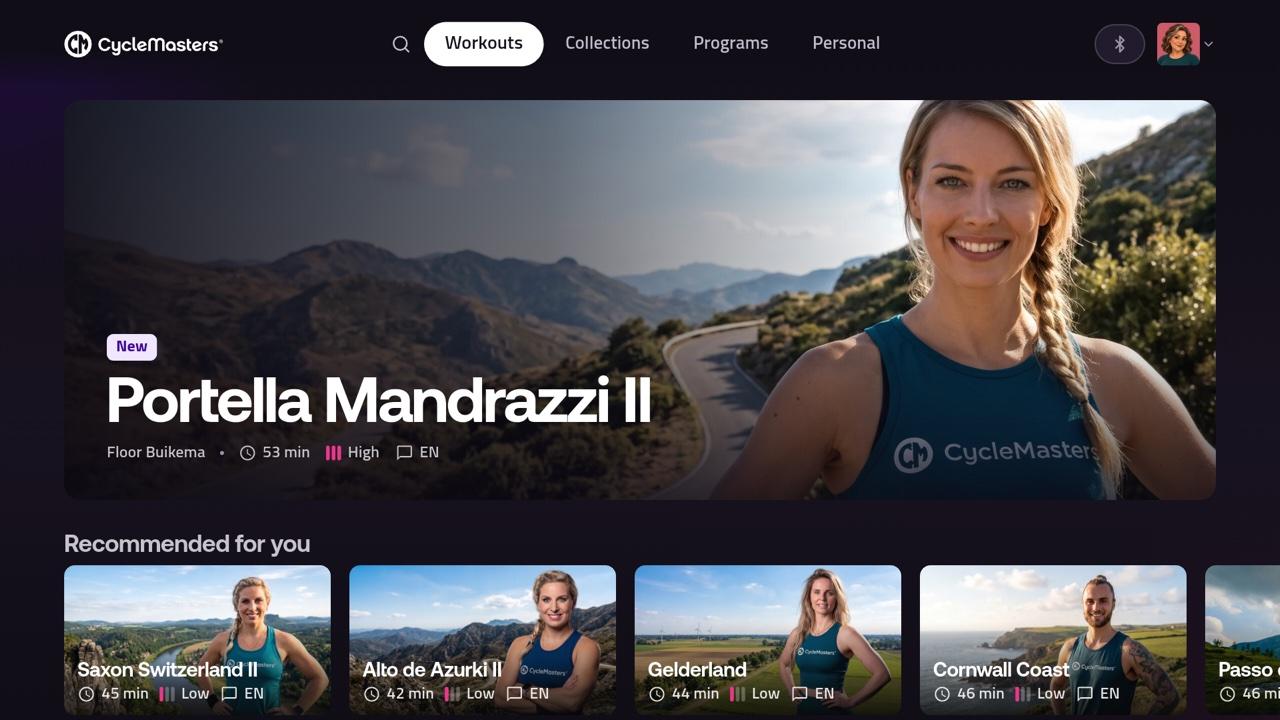
Does your TV not run Android TV or Google TV, or are you using a Chromecast without Google TV? You cannot install the app, but you can still stream to it as described below.
Stream from your phone or tablet
- Chromecast: cast from the CycleMasters app for iPhone, iPad or Android. The CycleMasters website cannot cast.
- AirPlay via Apple TV: stream from the CycleMasters app on your iPhone or iPad, or from Safari on your Mac. Read our instructions for AirPlay and Apple TV.
Please note: interactive workouts do not work via AirPlay. Follow these directly on your phone or tablet, or cast them via Chromecast.
Using an Apple Watch to measure your heart rate? Connect it to the CycleMasters app on your iPhone and cast the workout from that iPhone to Chromecast. Your heart rate will also be shown on your TV. Connecting an Apple Watch to the iPad app or the CycleMasters app on your TV is not supported.
Playback through a smart TV browser is not officially supported.