Filtering workouts
Are you looking for a specific workout or do you want to find new workouts more easily? In the app and on the website, you can search and filter workouts.
Searching
Tap Search and type in the search field. You can search for:
- the name of a workout (or part of it)
- an instructor
- a category or type of workout
- a country, to find the Scenic Rides filmed there
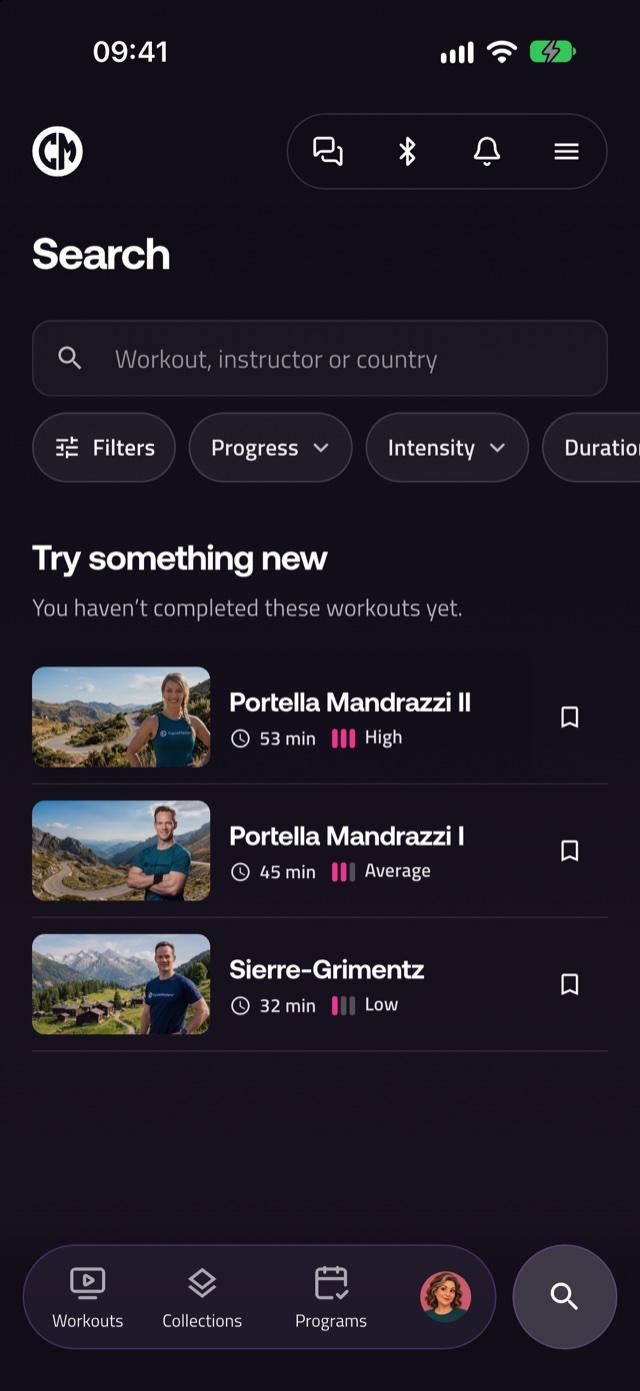
You can type several words. A workout has to match all of them. While you type, the app suggests filtering by a matching country, instructor or category.
Filtering
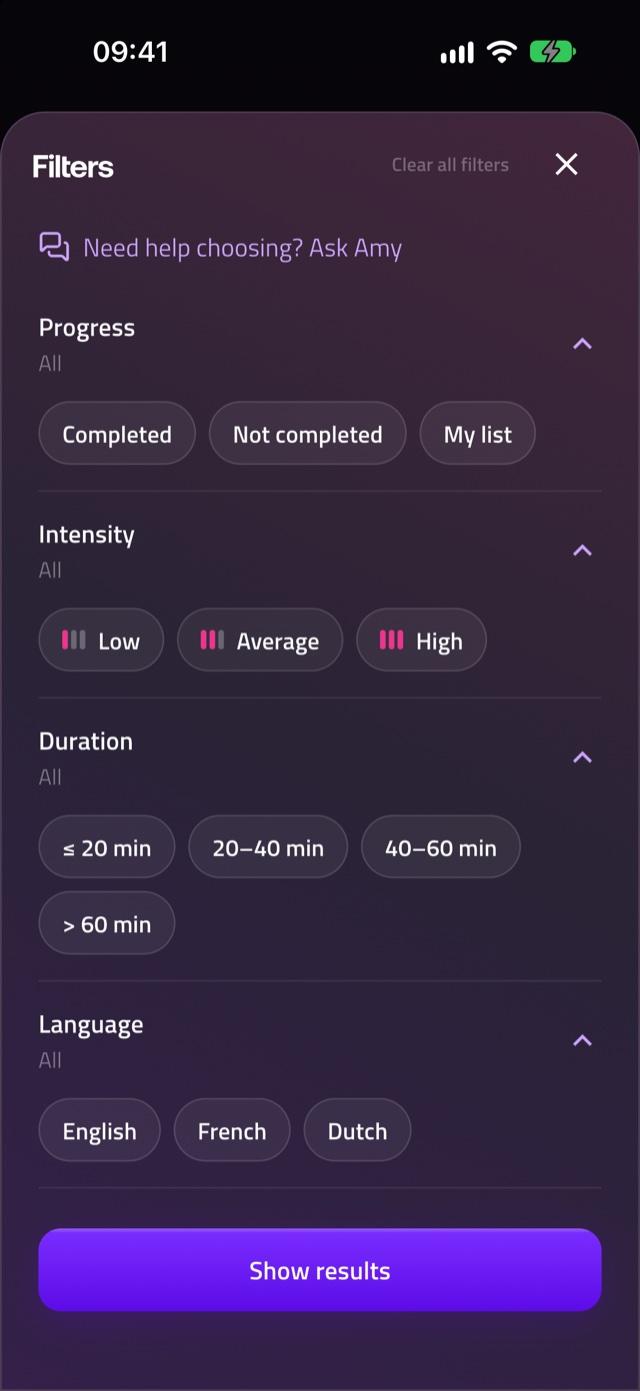
Tap Filters to narrow down the workouts. You can use multiple filters at the same time. Which filters you see depends on what is available:
- Progress: workouts you have completed or not completed, and workouts in My list
- Intensity: low, average or high
- Duration: up to 20 minutes, 20–40 minutes, 40–60 minutes or more than 60 minutes
- Language: the language spoken in the workout
- Type, Category and Instructor
- Country: the country where a Scenic Ride was filmed
- Focus: for example Total body, Core or Booty
- Accessories: the equipment a workout needs, such as dumbbells or a yoga mat
- Tags
- Interactive: only interactive workouts
Tap Show results to see the result, or Show workouts when you open a single filter from the bar. With Clear you remove the choices of one filter, and with Clear all filters you start over.