Using the CycleMasters app on your Android TV or Google TV
With the CycleMasters app on your TV you watch CycleMasters directly on your TV. It runs on TVs with Android TV or Google TV, including the Google TV Streamer. Using a Chromecast without Google TV? You cannot install the app, but you can still cast to it from your phone or tablet.
Install the app
- Open the Google Play Store on your TV.
- Search for CycleMasters and install the app.
- Open the app.
Sign in on your TV
The TV shows a QR code and a code. You approve it on your phone.
- Scan the QR code with your phone camera. Confirm the TV in the CycleMasters app or in the browser.
- Or open the CycleMasters app on your phone, go to Settings > Sign in on TV and type the eight-letter code from your TV.
- Choose the profile that will train on this TV.
- Check that the code matches the code on your TV and choose Sign in on TV.
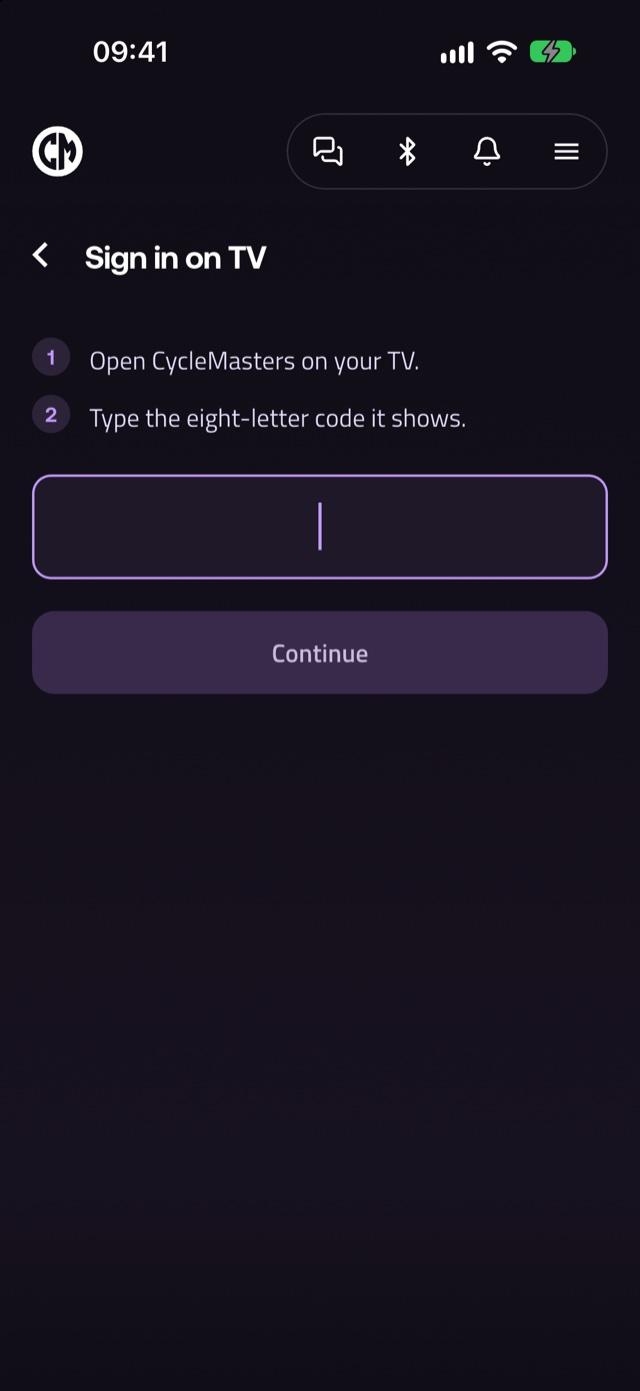
Only confirm a code that is on your own TV right now. A code is valid for a few minutes; then a new one appears by itself. You can also approve the code on account.cyclemasters.com.
Using the app
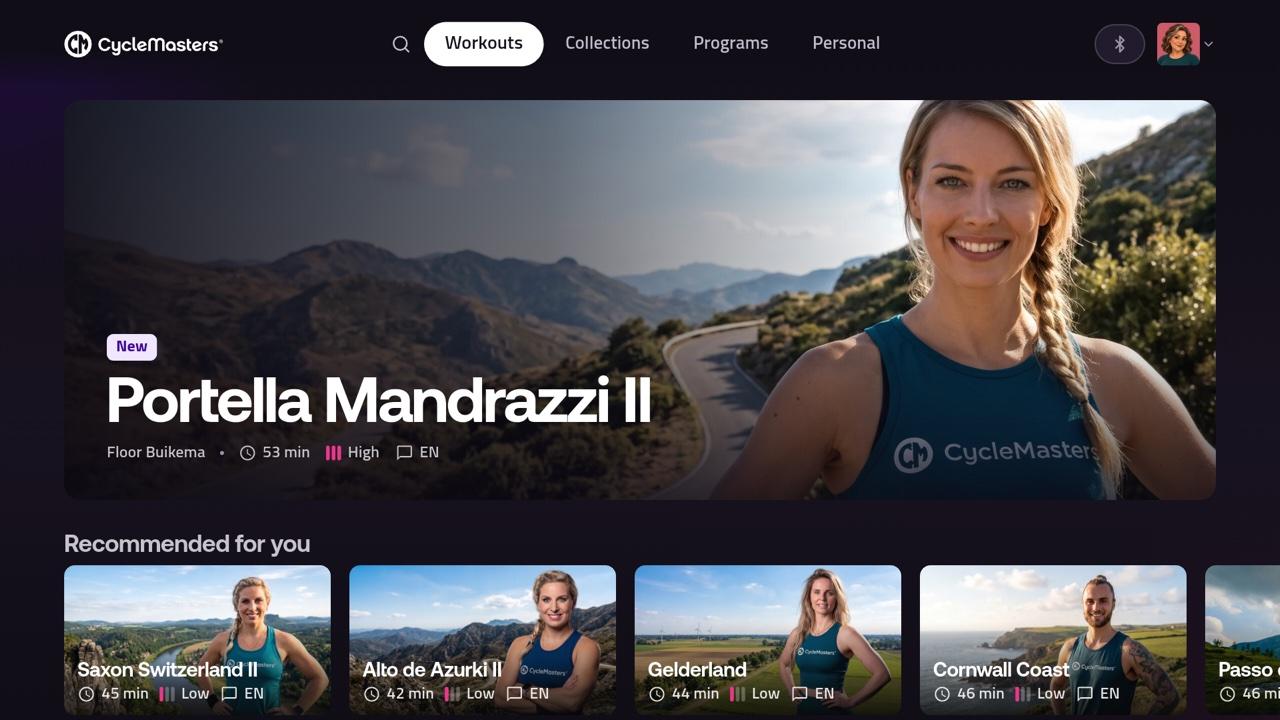
Use your remote to move around. At the top you find Workouts, Collections, Search, My list, Programs, Personal and Settings.
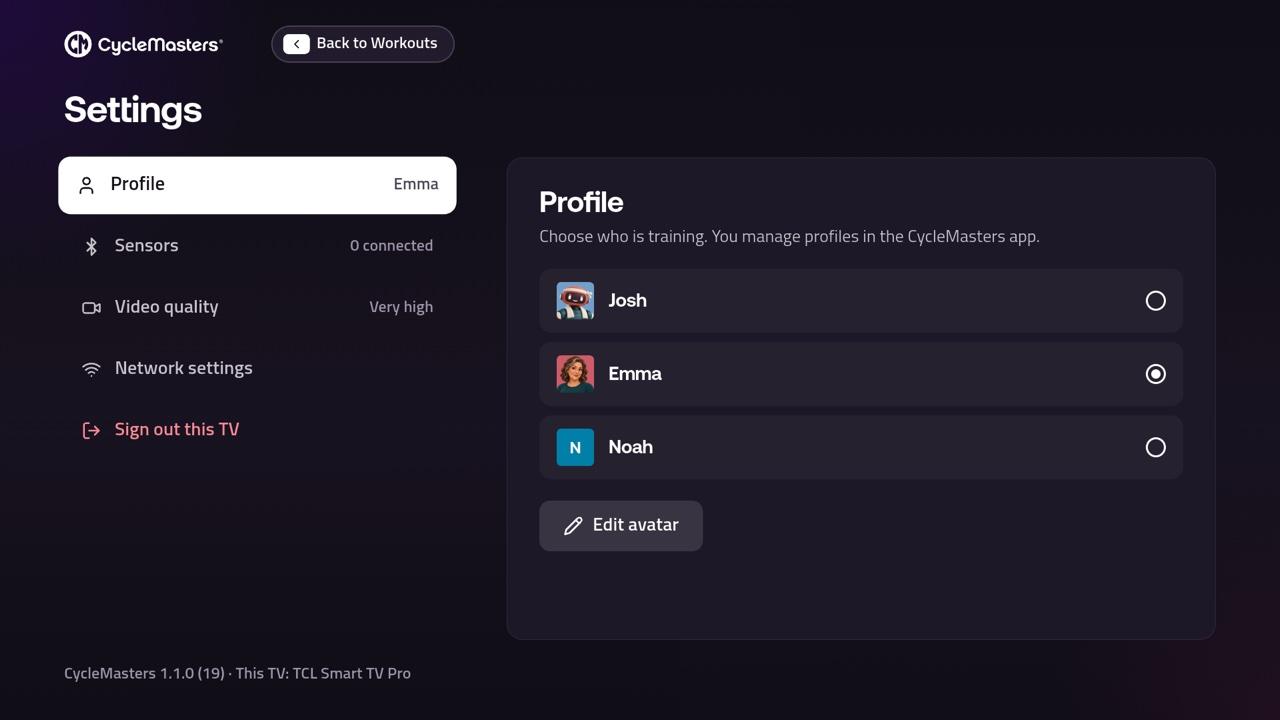
Settings on the TV
- Profile: choose who is training. You manage profiles in the CycleMasters app.
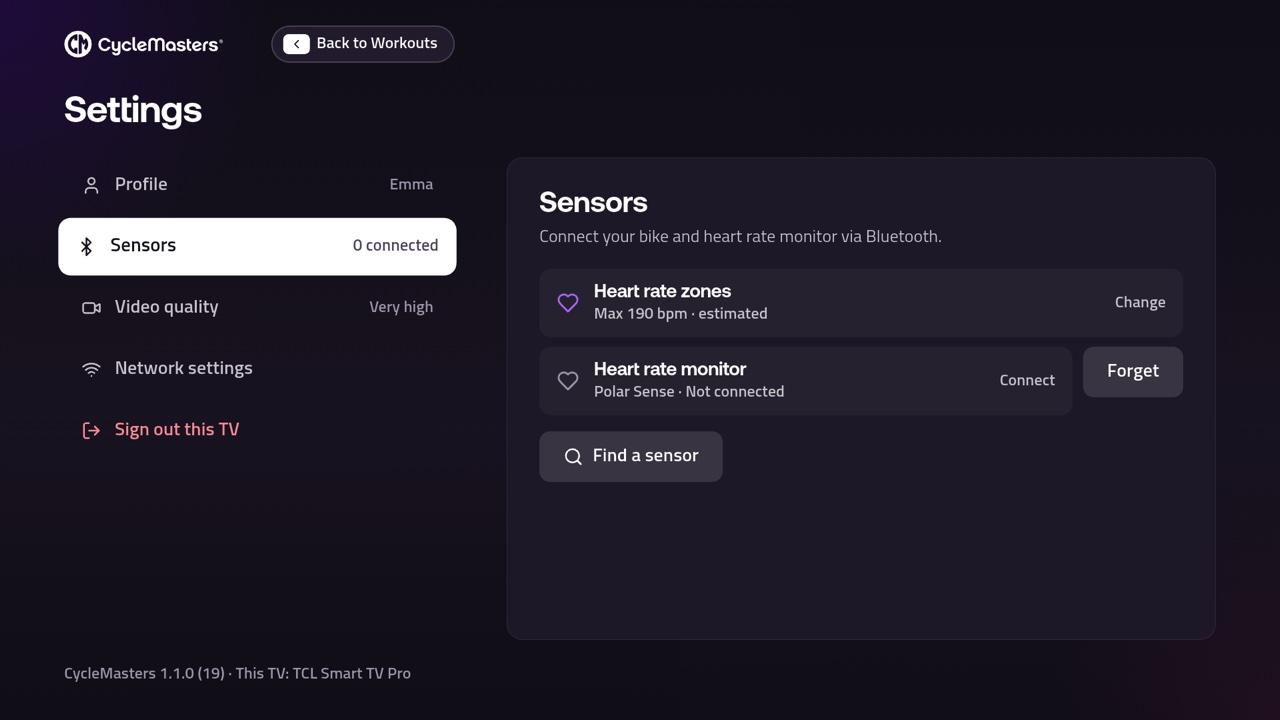
- Sensors: connect your bike and heart rate monitor via Bluetooth.
- Video quality: choose a lower quality if the video stutters.
- Screensaver: choose how long without input before the screensaver appears.
- Network settings: opens the network settings of your TV, for example to choose wifi.
- Sign out this TV: the TV then shows a new code. Your account and progress are kept.
Connecting a bike or heart rate monitor
With a personal membership you can connect a bike and a heart rate monitor on your TV. Choose Settings > Sensors, or Sensors during a workout, and then Find a sensor. Your TV needs Bluetooth for this. You cannot connect an Apple Watch to the CycleMasters app on your TV. Read how to connect a bike or sensor and what to do if connecting does not work.
Fitness clubs and businesses
A TV of a club or business is not signed in with a personal profile. The manager of the location pairs it with the code on the TV on account.cyclemasters.com.